
Know who is coming
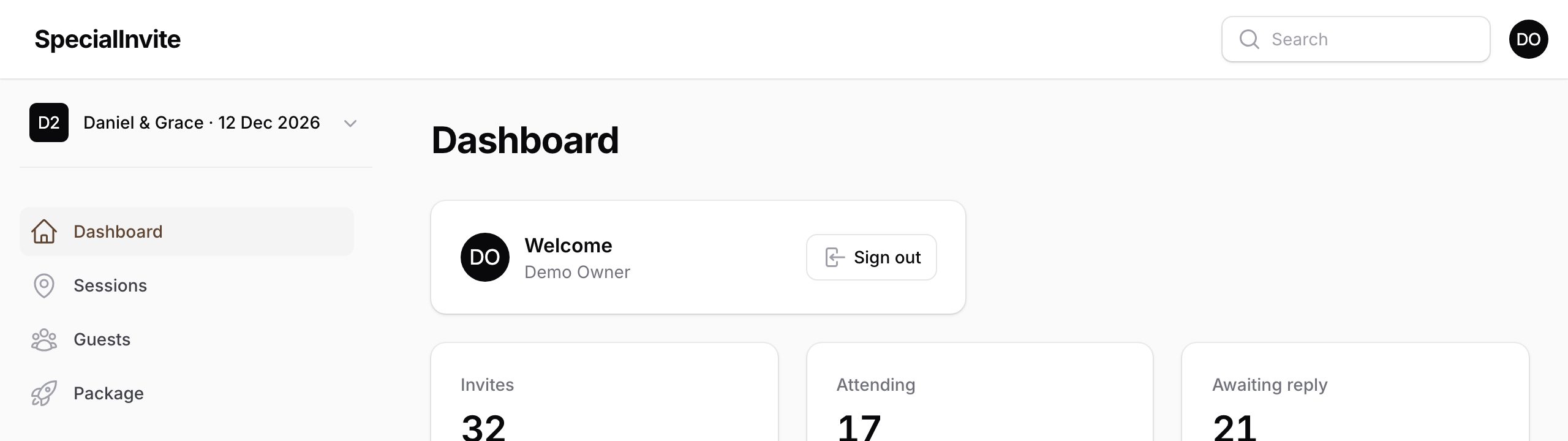
Live RSVP totals, guest groups and who has opened their invite. Fix the list any time.
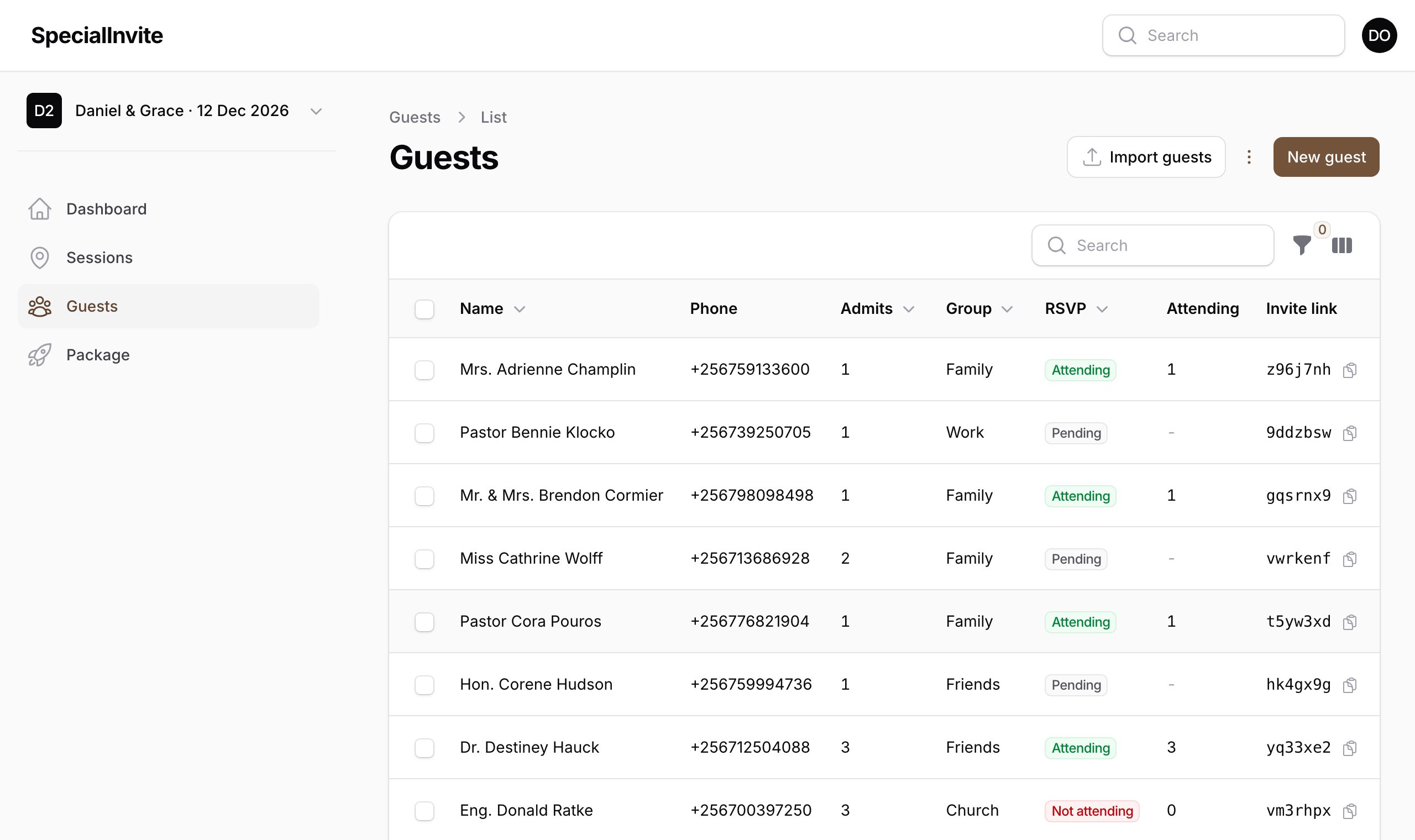
Each guest gets their own link on WhatsApp. RSVPs, gate check-in and committee pledges, all in one place.

Add your church and reception, photos and wording. Preview every invite before anyone sees it.
Upload your guest list from Excel. Each guest gets a private link that admits the right number of people.
Share the links on WhatsApp. Guests open their envelope, find directions and reply in seconds.
Ushers scan each pass at the gate, so only invited guests walk in.
Sample invite



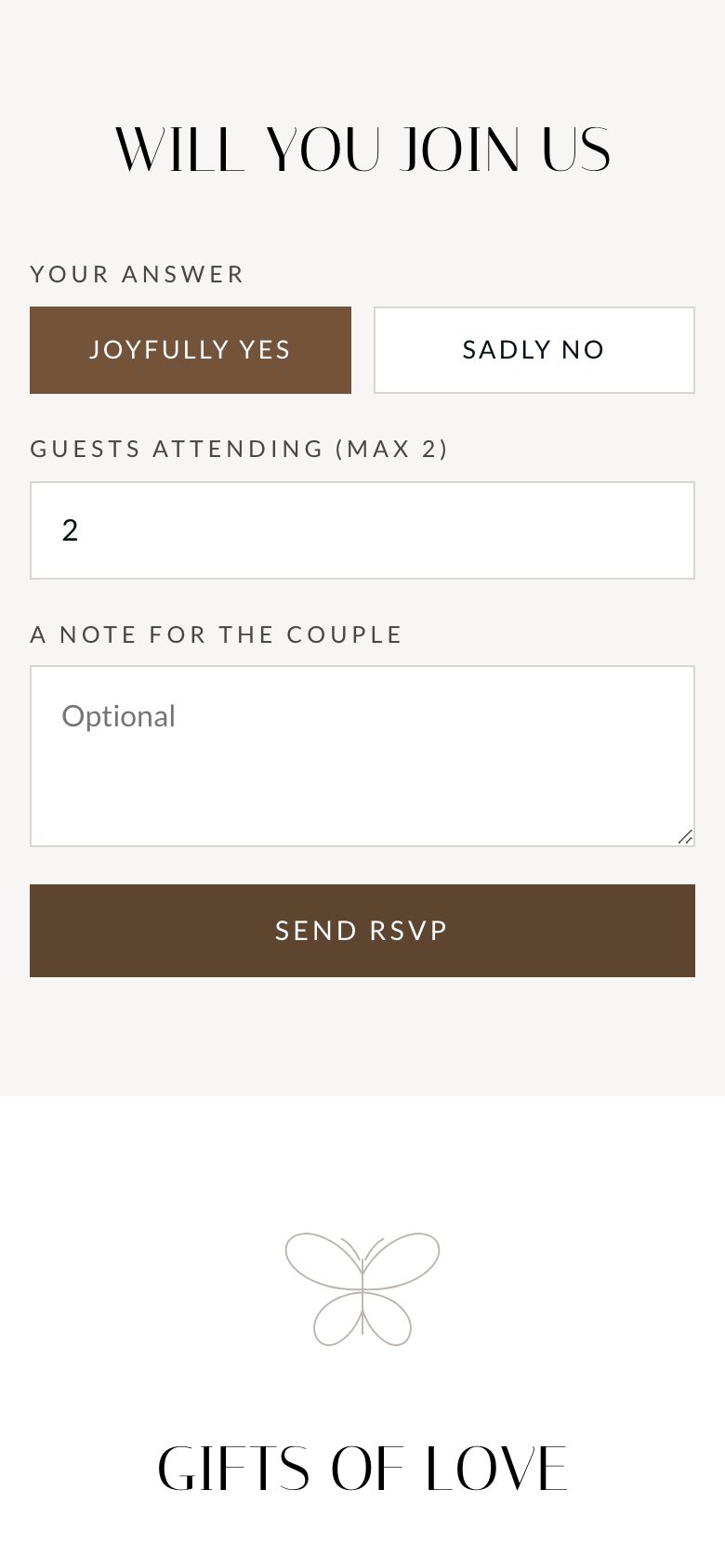
Live RSVP totals, guest groups and who has opened their invite. Fix the list any time.
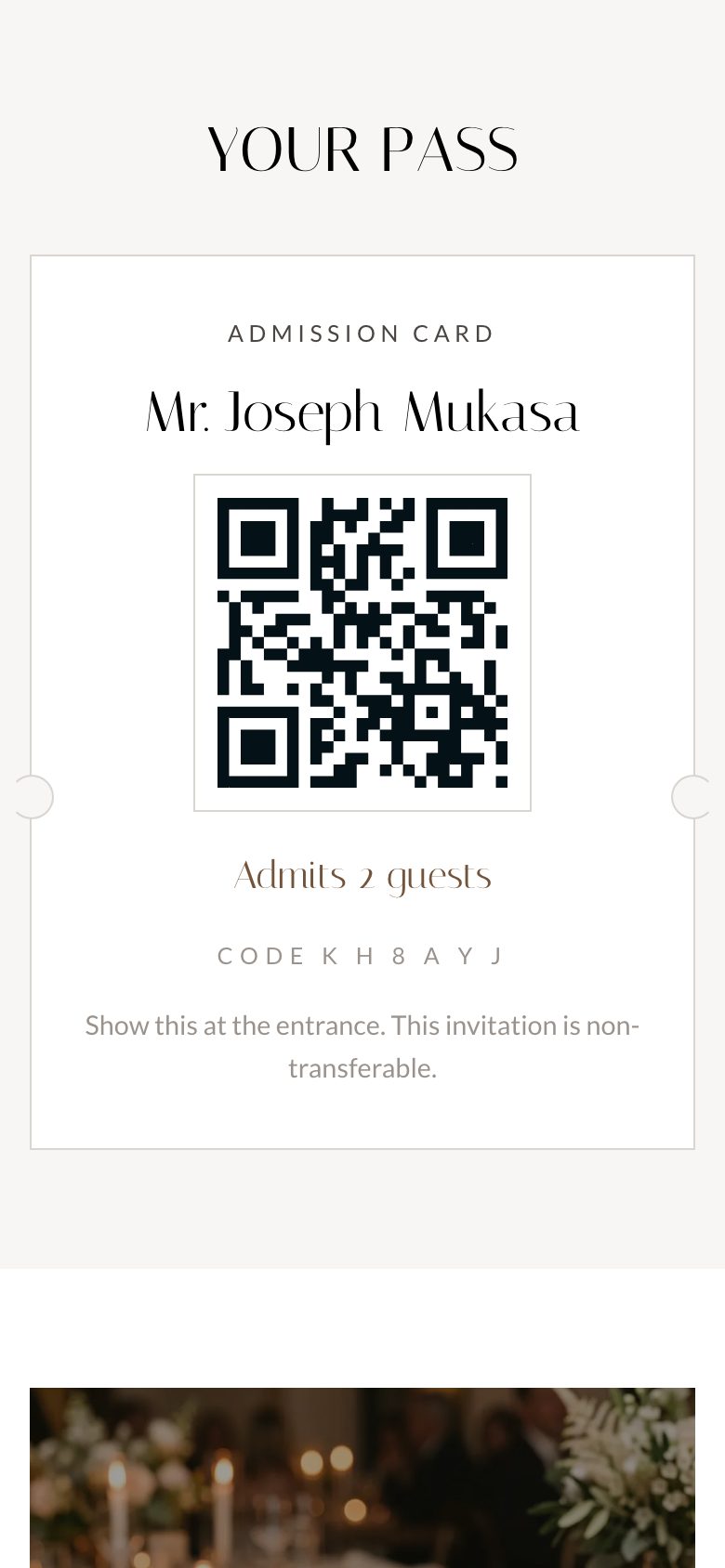
Every pass carries a signed QR code. Ushers scan it and see how many people it admits.


Record pledges paid by MoMo or cash, send receipts and see what is still outstanding before every meeting.
Pricing
Build and preview for free. Pay when you are ready to send.
Pay by MTN MoMo, Airtel Money or card through Pesapal. Upgrade later and pay only the difference.
Run every wedding from one login and switch between them in a tap. Or let our team set yours up for you.
No. The invite opens in the phone's browser, straight from WhatsApp or SMS, and stays light enough for mobile data.
No. Every link is private to one guest. When a link is shared, the preview shows your names, never the guest's.
Each pass admits only the number of people you set for that guest, and their name is printed on it.
Yes. Change a venue, time or note and every invite shows the update straight away.
Only when you are ready to send. Set everything up, preview it, then pay once by mobile money or card.
Yes. Our team can build your invite and guest list for you, and hand it over when it is ready.
Play some music?
Canon in D, by Pachabel